In today’s digital world, keeping our online presence safe is more important than ever. As a beginner in cybersecurity, I’m excited to share key practices to protect your digital life. This guide will give you the knowledge and tools to improve your online security and privacy. You’ll be able to surf the web with confidence.
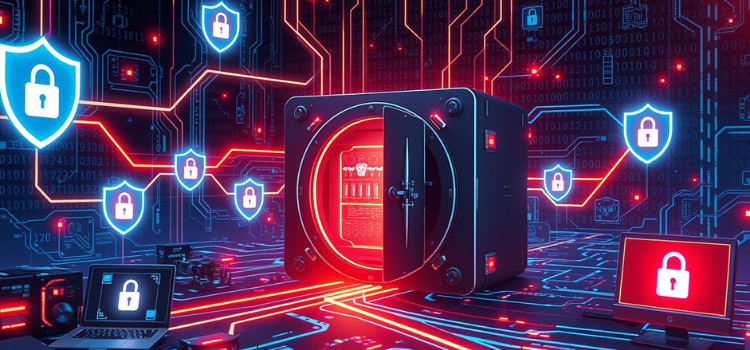
A futuristic digital landscape with a secure vault, glowing data streams flowing around it, shield icons representing protection, computer screens displaying lock symbols, a network of interconnected devices with wires, all set against a dark, high-tech background filled with circuit patterns and binary code.
Key Takeaways
- Understand the fundamental concepts of digital security and common cyber threats
- Learn why cybersecurity is vital in today’s interconnected digital age
- Discover essential security terms and practices for beginners
- Implement strong password management strategies and two-factor authentication
- Adopt secure web browsing habits and protect your personal information online
Also Read: AI Revolution: Humanization of the World
Understanding the Fundamentals of Digital Security
In today’s digital world, protecting ourselves from cyber threats is key. We use the internet for many things, so knowing about cybersecurity is vital. Let’s look at common cyber threats, why cybersecurity matters, and basic terms for beginners.
Common Cyber Threats You Need to Know
Malware, phishing, and data breaches are big cyber threats. Malware, like viruses and ransomware, can harm our devices and steal our data. Phishing scams trick us into giving away our login details. Data breaches can lead to stolen personal info, causing big problems.
Why Cybersecurity Matters in Today’s Digital Age
With our personal and financial data online, cybersecurity is more important than ever. A security breach can result in identity theft, financial loss, and damage to our reputation. Learning about cybersecurity basics helps us protect ourselves and our loved ones.
Basic Security Terms Every Beginner Should Learn
To understand cybersecurity, knowing some key terms is essential. A firewall is a system that controls network traffic. Encryption turns information into a secure code to keep it safe from hackers.
Learning these basics helps us safeguard our digital lives. It ensures our safety and security online.
Also Read: 5G Technology: The Future of Wireless Connectivity
Essential Cybersecurity Best Practices for Beginners
As a beginner in the digital world, keeping your online safety and security top is key. By following a few essential cybersecurity tips, you can protect your personal info and stay safe from cyber threats. Let’s explore the main steps to boost your digital safety.
One important tip is to make strong, unique passwords for all accounts. Don’t use easy-to-guess info like birthdays or pet names. Use a password manager to create and keep complex passwords safe.
Another crucial tip is to enable two-factor authentication, or 2FA. This adds an extra security layer to your accounts. It requires a second verification step, like a code sent to your phone, to keep your account safe even if your password is stolen.
- Always keep your software, operating systems, and apps updated. These updates often fix security issues, protecting your devices from cyber attacks.
- Be careful with email attachments and links, even from trusted sources. Phishing scams can look real, so always check the sender and link before clicking.
By following these simple yet effective tips, you can greatly improve your online safety. Remember, being alert and proactive in your cybersecurity is the best way to have a safer online experience.
| Cybersecurity Best Practice | Benefits |
|---|---|
| Strong, unique passwords | Prevents unauthorized access to your accounts |
| Two-factor authentication (2FA) | Adds an extra layer of security to your accounts |
| Keeping software up-to-date | Addresses known vulnerabilities and improves protection |
| Caution with email attachments and links | Helps avoid falling victim to phishing scams |
By making these essential cybersecurity practices part of your online habits, you can greatly improve your safety. Remember, being proactive and alert is crucial for a secure online presence as a beginner.
Creating and Managing Strong Passwords
Creating and managing strong passwords is key to password hygiene and cybersecurity best practices for beginners. In today’s digital world, secure web browsing depends on strong passwords. They protect our online accounts and personal info.
Password Management Tools and Their Benefits
There are many password management tools like LastPass and 1Password. They help you create, store, and manage strong passwords for all your accounts. With these tools, you don’t have to remember or type in each password.
Two-Factor Authentication Explained
Two-factor authentication (2FA) is also important for online security. It adds an extra layer of protection. You need a second form of verification, like a code sent to your phone, in addition to your password. This makes it harder for hackers to get into your accounts.
Password Recovery Best Practices
Having a good password recovery process is also crucial. Make sure your recovery info, like your email or phone number, is up to date. Avoid using easy-to-guess info. This way, you can easily get back into your accounts if you forget your password.
| Password Management Tool | Key Benefits |
|---|---|
| LastPass | Securely store and manage passwordsGenerate strong, unique passwords for each accountAutofill login credentials across devicesOffer two-factor authentication options |
| 1Password | Store passwords, credit cards, and other sensitive dataCreate and manage strong, randomized passwordsProvide secure sharing and collaboration featuresIntegrate with various browsers and mobile devices |
“The strength of your passwords is the first line of defense against cyber threats. Invest time in creating and managing strong, unique passwords for all your accounts.”
Secure Web Browsing: Tips and Techniques
In today’s digital world, keeping your online safety and privacy is key. By following a few simple tips, you can protect your digital well-being. This is crucial as we explore the internet.
Using a secure HTTPS connection is a must. It keeps your data safe from hackers. Look for the lock icon in your browser’s address bar to know if it’s secure.
It’s also important to know if a website is trustworthy. Be careful of sites with strange names or those that show security warnings. Updating your browser’s security settings can also help keep you safe online.
Be cautious when downloading files or clicking on links. Don’t download from unknown sources, as it could harm your computer. Also, think twice before clicking on links from people you don’t know or in strange emails.
By following these secure web browsing tips, you can make your online experience safer. Always stay alert and proactive to protect your personal info. This way, you can enjoy a safer online journey.
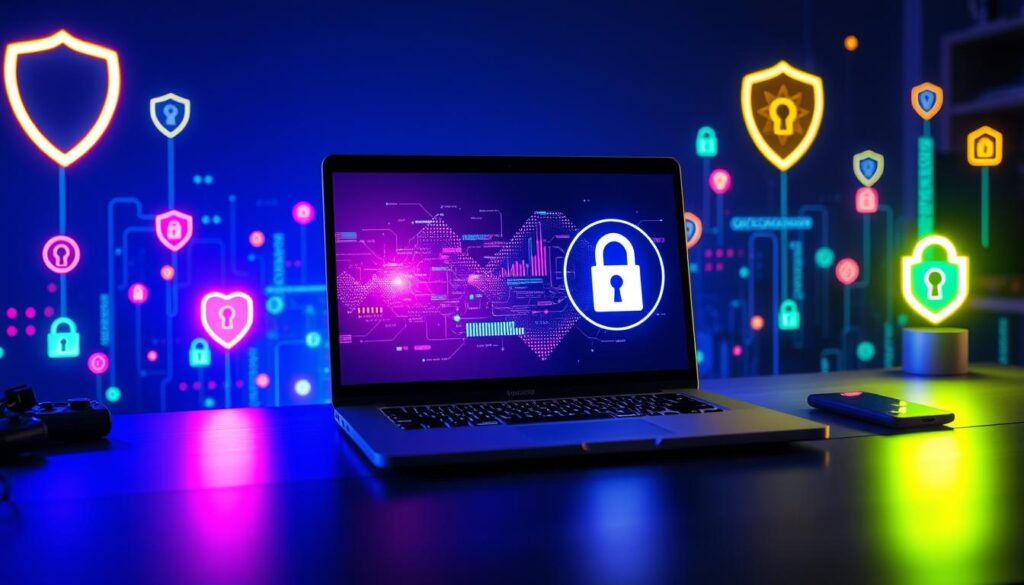
A modern computer desk setup featuring a sleek laptop with a secure lock symbol on the screen, surrounded by a vibrant digital landscape filled with glowing data streams and cybersecurity icons, such as shields and padlocks, in a dimly lit room with ambient blue lighting.
| Tip | Description |
|---|---|
| Use HTTPS | Ensure that you are using a secure HTTPS connection when browsing the web to protect your data from unauthorized access. |
| Recognize Legitimate Websites | Be cautious of unfamiliar domain names or websites that display security warnings, as they may not be trustworthy. |
| Review Browser Security Settings | Regularly update your browser’s security settings to enable additional protective measures against online threats. |
| Exercise Caution with Downloads and Links | Avoid downloading files from untrusted sources and be wary of clicking on links, especially from unknown senders or in unexpected contexts. |
Protecting Your Personal Information Online
In today’s digital world, keeping your personal info safe online is key. This means managing your social media privacy and shopping online safely. Being proactive about digital protection helps shield you from cyber threats.
Social Media Privacy Settings
Social media is great for sharing and connecting, but it also has risks. To keep your info safe, check and adjust your privacy settings. Here are some tips:
- Limit your posts to only trusted friends and family.
- Don’t share sensitive info like your address or phone number online.
- Think twice about what you post, as it can reveal a lot about you.
Data Encryption Basics
Data encryption is a basic part of staying safe online. It turns your data into a code, making it hard for hackers to access. Use encrypted apps, secure cloud storage, and VPNs to protect your info.
Safe Online Shopping Practices
Online shopping is convenient, but it comes with risks. Always check for “https” in the website’s URL to ensure it’s secure. Also, avoid shopping on public Wi-Fi, as it’s not safe. By focusing on cybersecurity, you can shop online safely.
| Social Media Privacy Tip | Data Encryption Benefit | Safe Online Shopping Practice |
|---|---|---|
| Limit public audience for posts | Protects data from unauthorized access | Look for “https” in website URL |
| Avoid sharing sensitive details | Use encrypted messaging apps and VPNs | Beware of public Wi-Fi networks |
| Be cautious about what you share | Secure cloud storage for personal data | Prioritize cybersecurity for online shopping |
“In today’s digital world, protecting your personal information online is not an option, but a necessity.”
Understanding digital protection is vital. By following best practices, you can control your online presence. This way, you can enjoy the digital age safely and with confidence.
Email Security and Phishing Prevention
In today’s digital world, keeping our email safe is key. As a student, learning about email security and phishing prevention is vital. It helps protect your online identity and keeps your personal info safe.
Phishing is a common cybercrime where scammers try to get your login details or trick you into clicking bad links. To fight this, you need to be good at spotting fake emails. Watch out for spelling mistakes, weird sender names, or requests for personal info. Legit companies never ask for your password or personal details via email.
- Always check the sender’s email address before opening any messages.
- Be careful of emails with generic greetings or urgent requests.
- Never click on links or attachments from unknown sources.
Also, using strong online safety tips can boost your email security. Use spam filters to block suspicious emails. And be careful when using your email on public or shared devices.
By being informed and careful, you can keep your digital identity safe from phishing. Remember, internet security advice is essential in today’s world.
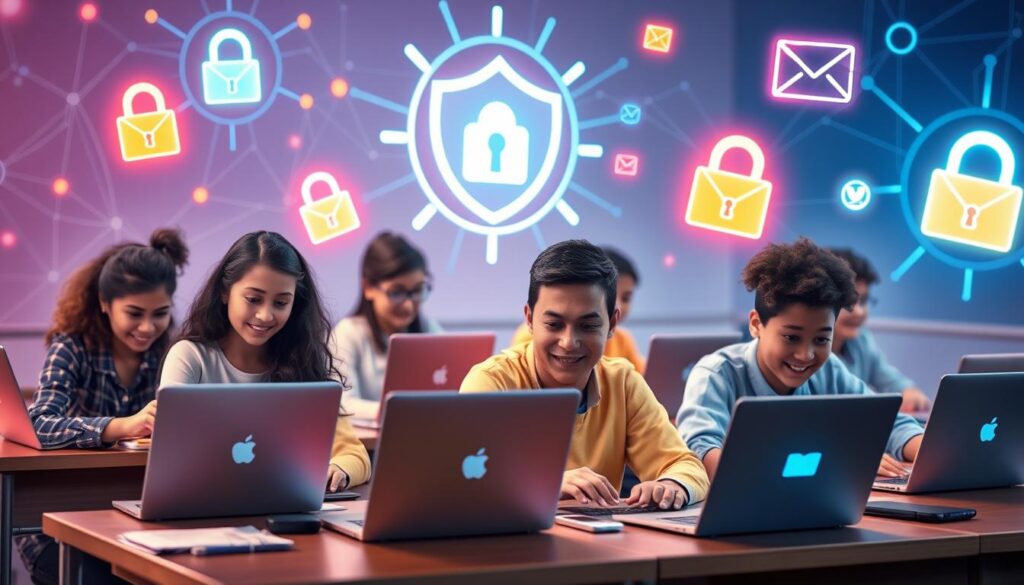
A vibrant and engaging classroom scene depicting diverse students using laptops and smartphones, surrounded by visual representations of cybersecurity elements like locks, shields, and email icons, glowing to symbolize information security, with a backdrop of digital networks and abstract lines suggesting connectivity and data protection.
“The best defense against cyber threats is a well-informed and vigilant student.”
Mobile Device Security Essentials
In today’s world, our smartphones and tablets are key parts of our lives. But, this means we must watch out for their security. Let’s explore the key steps to protect our mobile devices from threats.
App Permission Management
Managing app permissions is a big deal for mobile security. Many apps ask for access to our personal data. It’s important to check these permissions and only allow what’s needed. This way, we can avoid data breaches and keep our info safe.
Mobile Antivirus Solutions
Just like we protect our computers, our mobiles need strong security too. A good mobile antivirus can spot and stop malware and viruses. It offers features like real-time scanning and app monitoring to keep our devices safe.
Public Wi-Fi Safety
Being careful with public Wi-Fi is key. These networks can be risky for our data. Always be cautious with sensitive info and avoid financial transactions on public Wi-Fi. Using a VPN can help encrypt your connection and protect your data.
By following these mobile security tips, we can protect our personal data. Remember, keeping our devices safe is a big part of staying secure online. It’s all about being careful and using the right tools.
Network Security Fundamentals for Home Users
Keeping your network safe from cyber threats is key for home users today. I’ll share the basics to help you secure your home network. This way, you can protect your personal info from hackers.
First, make sure your home Wi-Fi is secure. Pick a strong, unique password and use encryption. Also, update your router’s firmware regularly. This stops hackers from getting into your network and devices.
Using a firewall is also crucial. It watches over your network’s incoming and outgoing traffic. This adds an extra layer of security.
Next, consider a virtual private network (VPN). A VPN encrypts your internet, hiding your online activities. It’s especially useful on public Wi-Fi. Setting up a VPN on your network or devices boosts your cyber security and keeps you safe online.
FAQ
What are the most common cyber threats I need to be aware of as a beginner?
As a beginner, you should watch out for malware, phishing, data breaches, and social engineering attacks. These threats can harm your online security and privacy if you’re not careful.
Why is cybersecurity so important in today’s digital world?
Cybersecurity is key because our lives are more connected online. It’s vital to protect your personal info, financial data, and digital well-being from cyber threats.
What are some basic security terms I should know as a beginner?
You should know about malware, phishing, two-factor authentication, encryption, firewall, VPN, and breach. Learning these terms will help you understand cybersecurity better.
How can I create and manage strong passwords?
Make strong passwords with letters, numbers, and special characters. Don’t use personal info or common phrases. Tools like LastPass or 1Password can help you store and create strong passwords safely.
What is two-factor authentication and how does it improve my online security?
Two-factor authentication (2FA) adds an extra layer of security. It requires a password and a one-time code sent to your phone to access an account. This makes it harder for unauthorized access.
How can I identify and avoid phishing attempts?
Be cautious of emails or messages asking for personal info or suspicious links. Check the sender’s email address and verify requests before responding.
What are some tips for secure web browsing?
Use HTTPS connections, avoid downloading files from unknown sources, and keep your browser and extensions updated. Be careful when using public Wi-Fi networks.
How can I protect my personal information when using social media?
Review and adjust your privacy settings often, share less personal info, and be careful with what you post. Avoid sharing sensitive details that could be used for identity theft.
What are some essential mobile device security practices I should follow?
Manage app permissions, install antivirus software, and avoid public Wi-Fi without a VPN. Keep your device and apps updated to fix security issues.
How can I secure my home network and protect my devices?
Use a strong Wi-Fi password, enable your router’s firewall, and consider a VPN. Update your router and devices regularly to stay secure.
Also Read:
- Tech for Seniors
- AI Revolution 2025: How is it completely transforming sectors and societies?
- Top 5 Upcoming Technologies